


All-in-One Solution for Simple Solar Cell Characterization
Integrated test system and solar simulator with a reference solar cell and user-friendly software
Overview | Specifications | Software | Features | Gallery | In the Box | Resources and Support
Simplify solar cell testing with a complete and integrated system. For rapid and reliable performance data, the system automatically switches between pixels and calculates key device metrics.
The I–V test system works seamlessly with the LED lamp to provide accurate current–voltage curves, excellent spectral match, and superb spatial and temporal uniformity. Use the software to control the light source and manage the I–V test system according to your characterization requirements. With minimal lamp warm-up time, you can plug in the system, install the software, and start testing straight away.

Simple Characterization
With automatic pixel switching
and free intuitive software

Measure Device Stability
Track key device properties over repeated current-voltage measurements

Customize the Spectral Output
Individual LED power control
across 350 nm – 1000 nm
Wide Measurement Range
High-res voltages from -10 to +10 V and measurement of ±10 nA to ±200 mA
What is Automatic Pixel Switching?
When you fabricate solar cells, you may create several individual cells on a single substrate. At Ossila, we call these individual cells pixels, and we refer to the full substrate as a device. For example, if you use our 25 mm square multi-electrode deposition mask (E2001A1) with a 25 mm ITO glass substrate (S2006C1), you will produce four separate solar cells on a single substrate. This gives you a device with four pixels.
Automatic pixel switching connects to each pixel on your device, without manual reconfiguration, to speed up your measurements and enable lifetime metric tracking for multiple pixels.
Specifications
Solar Simulator
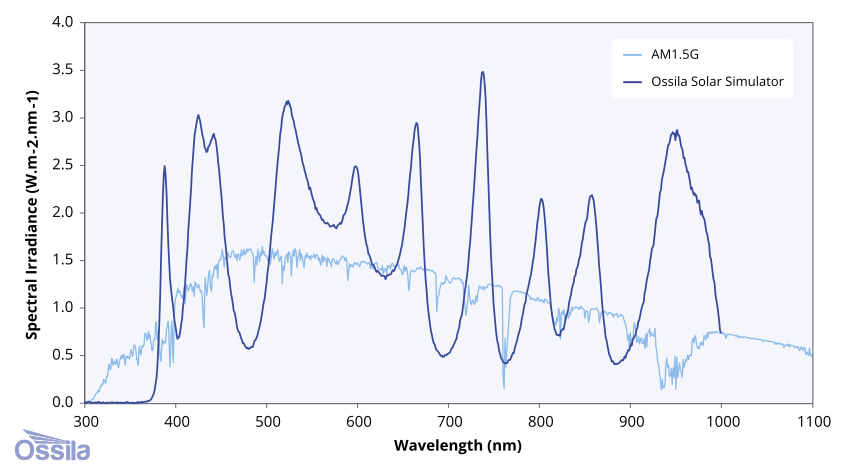
The improved solar simulator has slightly increased spectral coverage across the visible spectrum, and reduced spectral deviation compared to previous versions, while still maintaining 1 Sun Irradiance between 380 – 1000 nm.
While both version solar simulators achieve AAA classification over a 15 mm area, the new solar simulator (released January 2026) has a marginally improved spectral match. Previous classification graphs (for Solar Simulators purchased before 2025) can be found on our Classification Data page.
| Spectral Match | A |
|---|---|
| Spatial Uniformity (over 15 mm diameter area) | A |
| Spatial Uniformity(over 25 mm diameter area) | B |
| Spatial Uniformity (over 32 mm diameter area) | C |
| Temporal Instability | A |
| Type | LED-based, steady-state |
|---|---|
| Spectral Deviation | <70% |
| Spectral Coverage | >80% |
| Working Distance | 8.5 cm |
| Irradiance* | 1000 W/m2 |
| Maximum Lamp Time | 10000 hours |
* +/- 5% at working distance and calibration temperature.
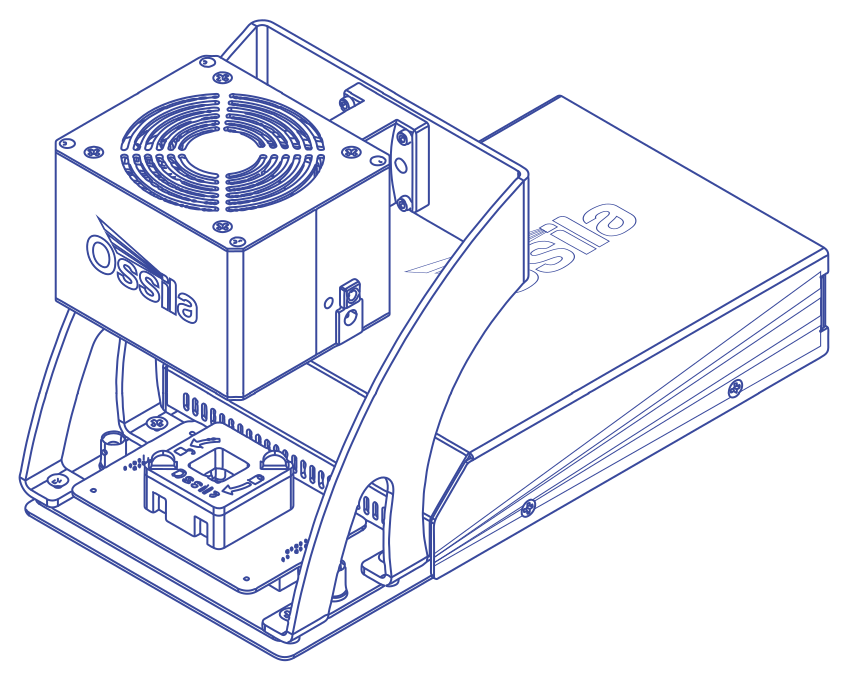
Solar Cell I-V Test System
Voltage Source
| Range | Accuracy | Precision | Resolution |
|---|---|---|---|
| ± 10 V | 10 mV | 333 µV | 170 µV |
Voltage Measure
| Range | Accuracy | Precision | Resolution |
|---|---|---|---|
| ± 10V | 10 mV | 50 µV | 10 µV |
Current Measure
| Range | Accuracy | Precision | Resolution | Burden |
|---|---|---|---|---|
| ± 200 mA | ± 500 µA | 10 µA | 1 µA | <20 mV |
| ± 20 mA | ± 10 µA | 1 µA | 100 nA | <20 mV |
| ± 2 mA | ± 1 µA | 100 nA | 10 nA | <20 mV |
| ± 200 µA | ± 100 nA | 10 nA | 1 nA | <20 mV |
| ± 20 µA | ± 10 nA | 1 nA | 0.1nA | <20 mV |
Equipment Specifications
| Compatible Substrates |
S211 (T2003B3-G2009A1) S2006C1 (T2003E3-G2009A1) |
|---|---|
| Lamp Dimensions (L x W x H) | 105 mm x 90 mm x 80 mm (4.31" x 3.54" x 3.15") |
| I-V Test System Dimensions (L x W x H) | 150 mm x 55 mm x 300 mm (5.91" x 2.17" x 11.81") |
Software
Solar Cell I-V
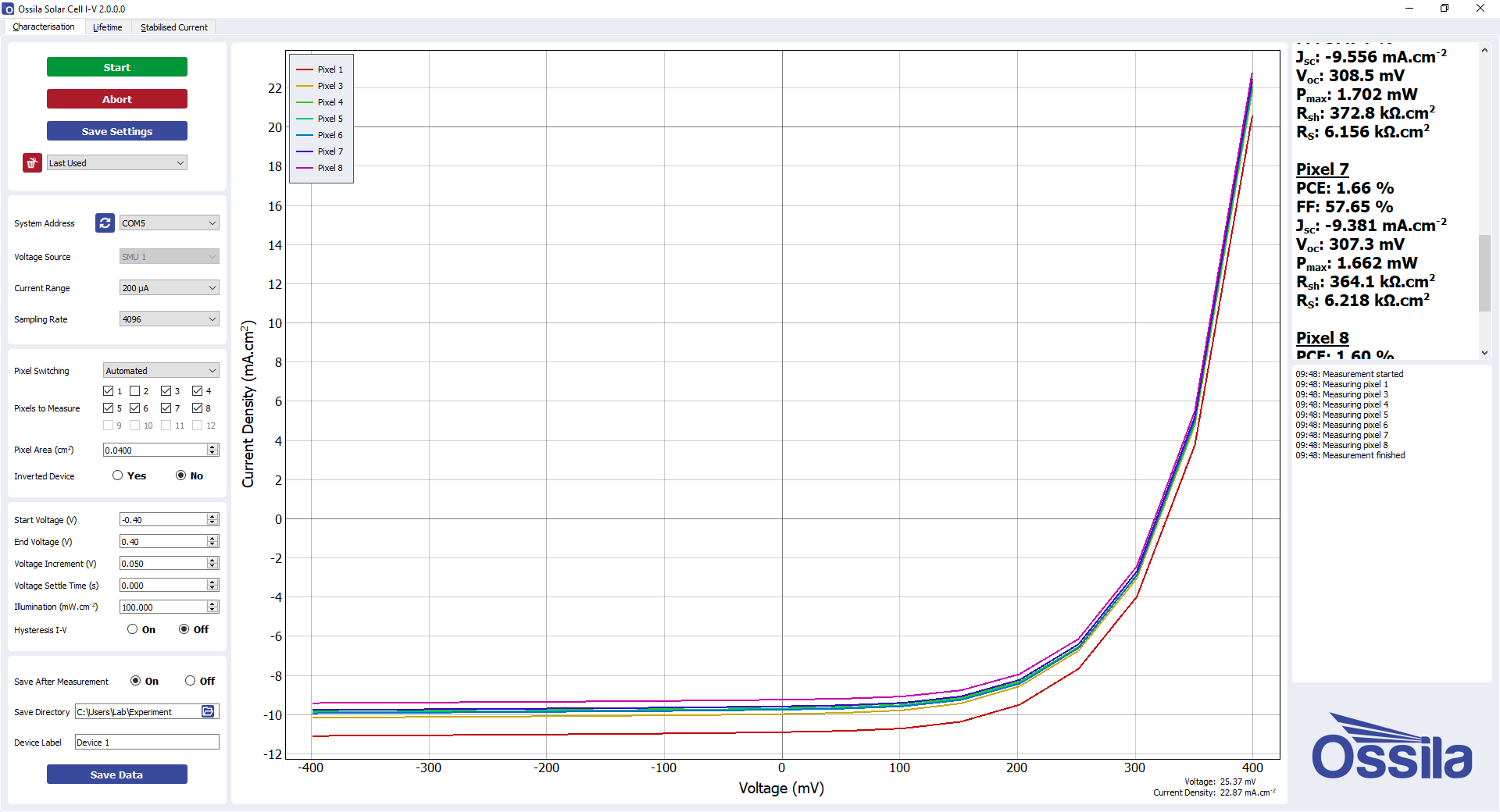
With the PC software, you can:
- Perform current-voltage measurements anywhere between -10 V and 10 V.
- Take high resolution measurements, with voltage increments as low as 170 µV.
- Manage the experiment more directly, with custom settle times between applying voltage and measuring current.
- Measure device hysteresis by perform consecutive measurements in forwards and backward directions.
The software has 4 measurement tabs: Solar Cell Characterization, Stabilized Current Output, Solar Lifetime Measurement and Maximum Power Point Tracking. 'Characterization' performs I-V measurements and calculates the important device properties, the 'Stabilized Current' tab allows you to determine how the current output of your device evolves over time using, and the 'Lifetime' tab enables you to track key device properties (PCE, FF, Jsc, Voc) over an extended time by performing periodic I-V characterization. Between measurements the solar cell can be held at open-circuit, short-circuit, or maximum power. The 'Maximum Power Point' tab tracks the maximum power point over time, as well as the current density Jmp and operating voltage Vmp.
Software Requirements
| Operating System | Windows 11 (64-bit) |
|---|---|
| CPU | Dual Core 2 GHz |
| RAM | 4 GB |
| Available Hard Drive Space | 233 MB |
| Monitor Resolution | 1680 x 1050 |
| Connectivity | USB 2.0, or Ethernet (requires DHCP) |
Solar Simulator Console
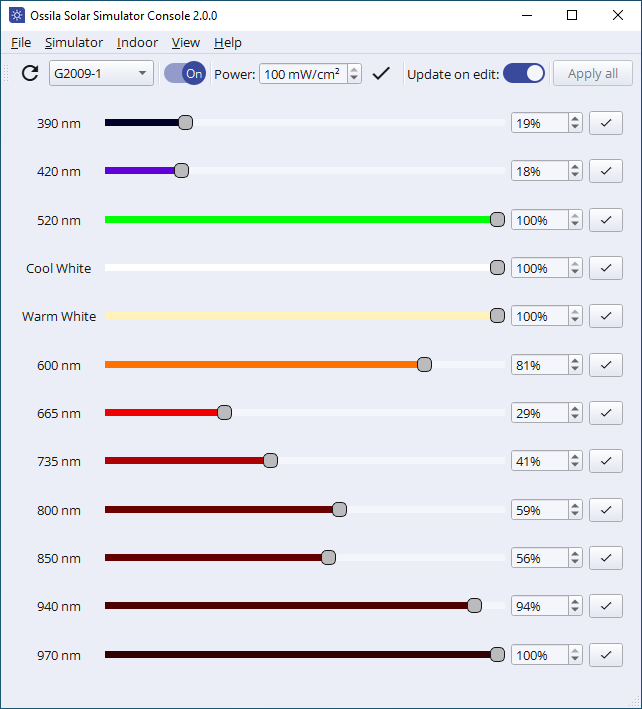
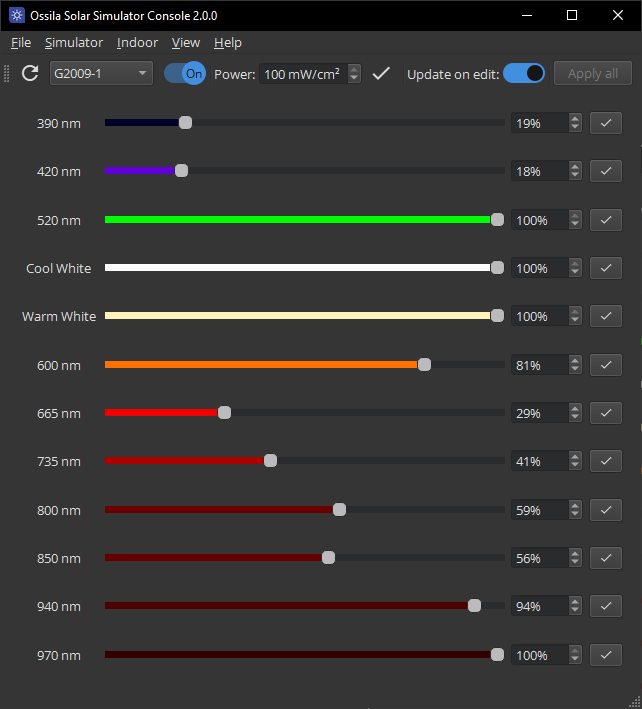
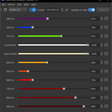
Control and customize the output of your LED solar simulator. You can choose the overall power level or control each LED individually to tailor the output to your specific requirements. The user-friendly software can be installed on as many PCs as you want and you can access future updates for free.
Software Requirements
| Operating System | Windows 11 (64-bit) |
|---|---|
| CPU | Dual Core 2 GHz |
| RAM | 4 GB |
| Available Hard Drive Space | 152 MB |
| Monitor Resolution | 1440 x 960 |
| Connectivity | USB |
All-in-One Characterization
Comprehensive Solar Cell Measurements
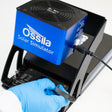
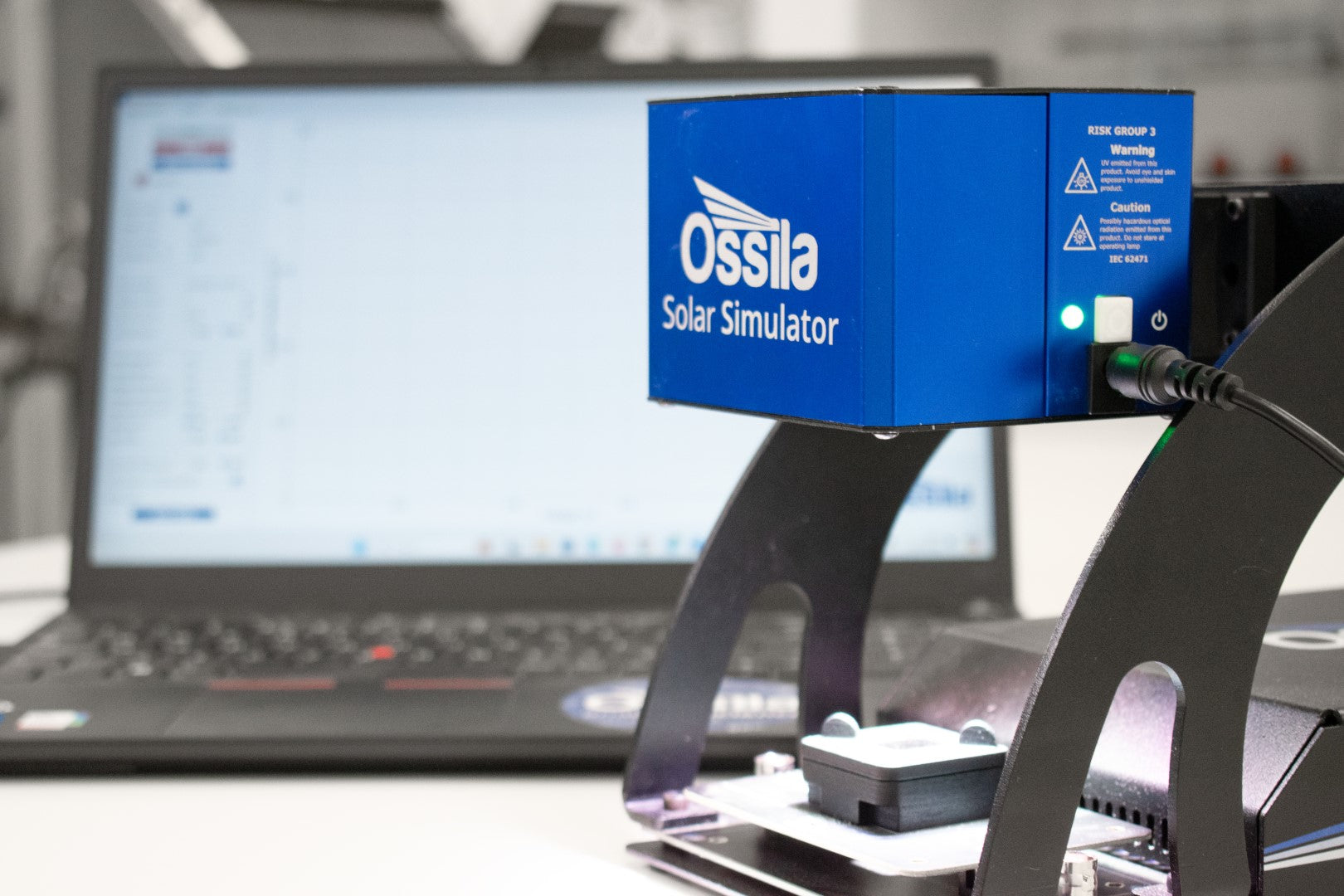
Everything you need for reliable photovoltaic characterization. Perform I-V sweeps to find key device performance metrics, run lifetime measurements for degradation studies, or use as a soaking system to precondition cells. Streamline the measurement process and eliminate manual steps as the system automatically switches between pixels and records the temperature and light conditions.
Source Reliable, Calibrated Light
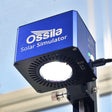
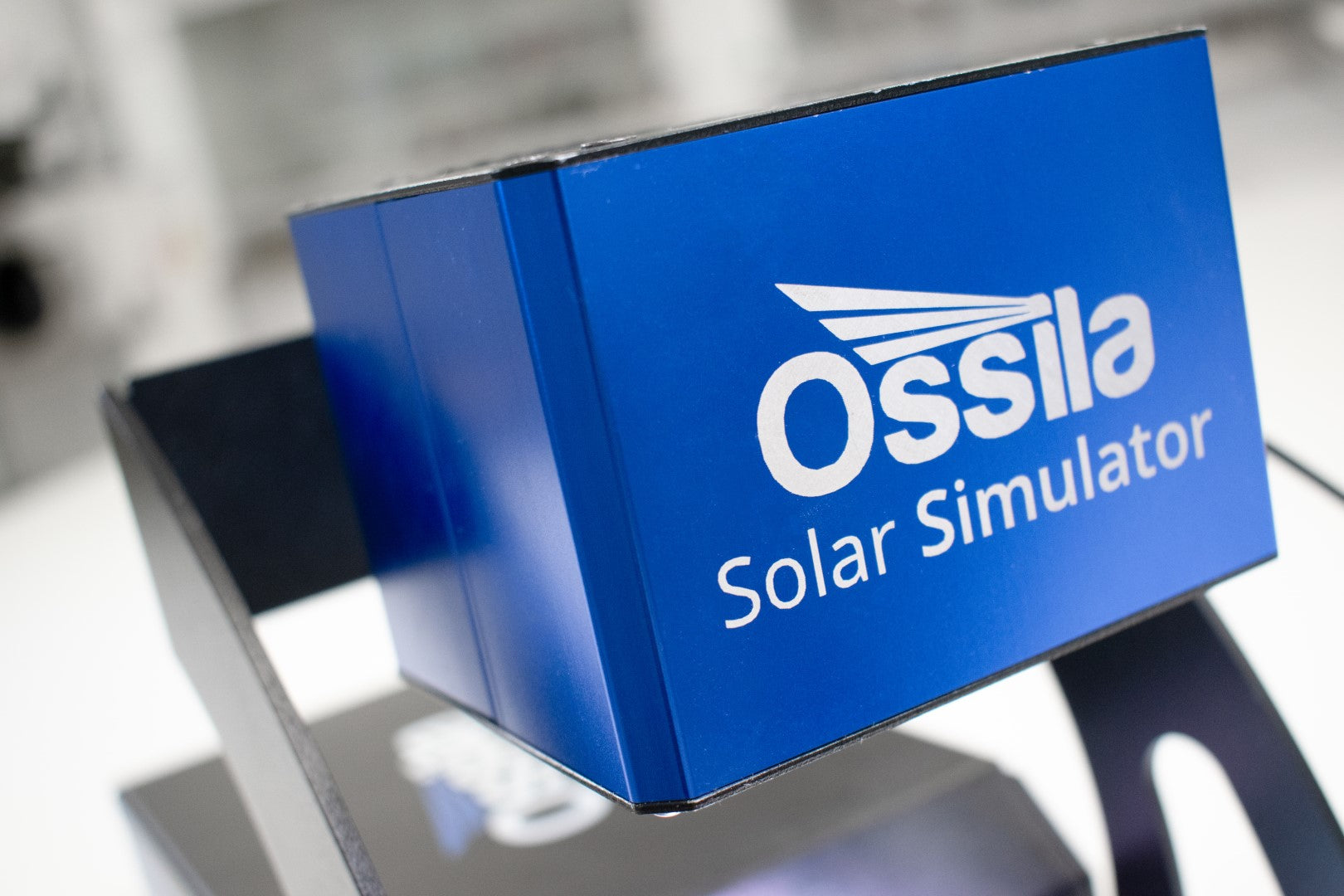
Reliably and accurately mimic the solar spectrum in your photovoltaic research with a calibrated array of light emitting diodes. The simple setup makes it easy to integrate the system into your workflow while keeping your measurements stable and repeatable. Alongside a long lifetime and good temporal stability, the solar simulator also boasts low running costs, zero maintenance, and no explosion risk.
Adapt the Spectral Output
Change the total irradiance output or control the power output of each LED individually. With the flexibility of a tunable spectrum, you can align your testing with specific lighting spectrum conditions. This solar simulator can also be calibrated to test indoor photovoltaics according to newly defined standards.
Automated Solar Cell Testing Kit Gallery


In the Box
- LED solar simulator lamp
- Automated solar cell I-V test system
- Fixed bracket
- Test board
- Reference solar cell
- USB Driver with calibration certificate & QC test data
Resources and Support
 How to Assemble the Automated Solar Cell Testing Kit
The automated Ossila Solar Cell Testing Kit allows you to set up your solar cell testing lab quickly and easily. The system is designed to be easy to use and effortless to assemble.
Read more... Analyzing and Improving Low Device Metrics: FF, VOC and JSC
Anaylzing key device metrics such as fill factor (FF), open-circuit voltage (VOC), and power conversion efficiency (PCE), can help you find potential issues with your solar cell devices
Read more...